

How to update expired documents?

September 11, 2026
If your TLC, insurance, or vehicle documents have already expired, don’t worry — updating them is easy, and you’ll be back on the road with Paxxy in no time.
Just follow these steps:
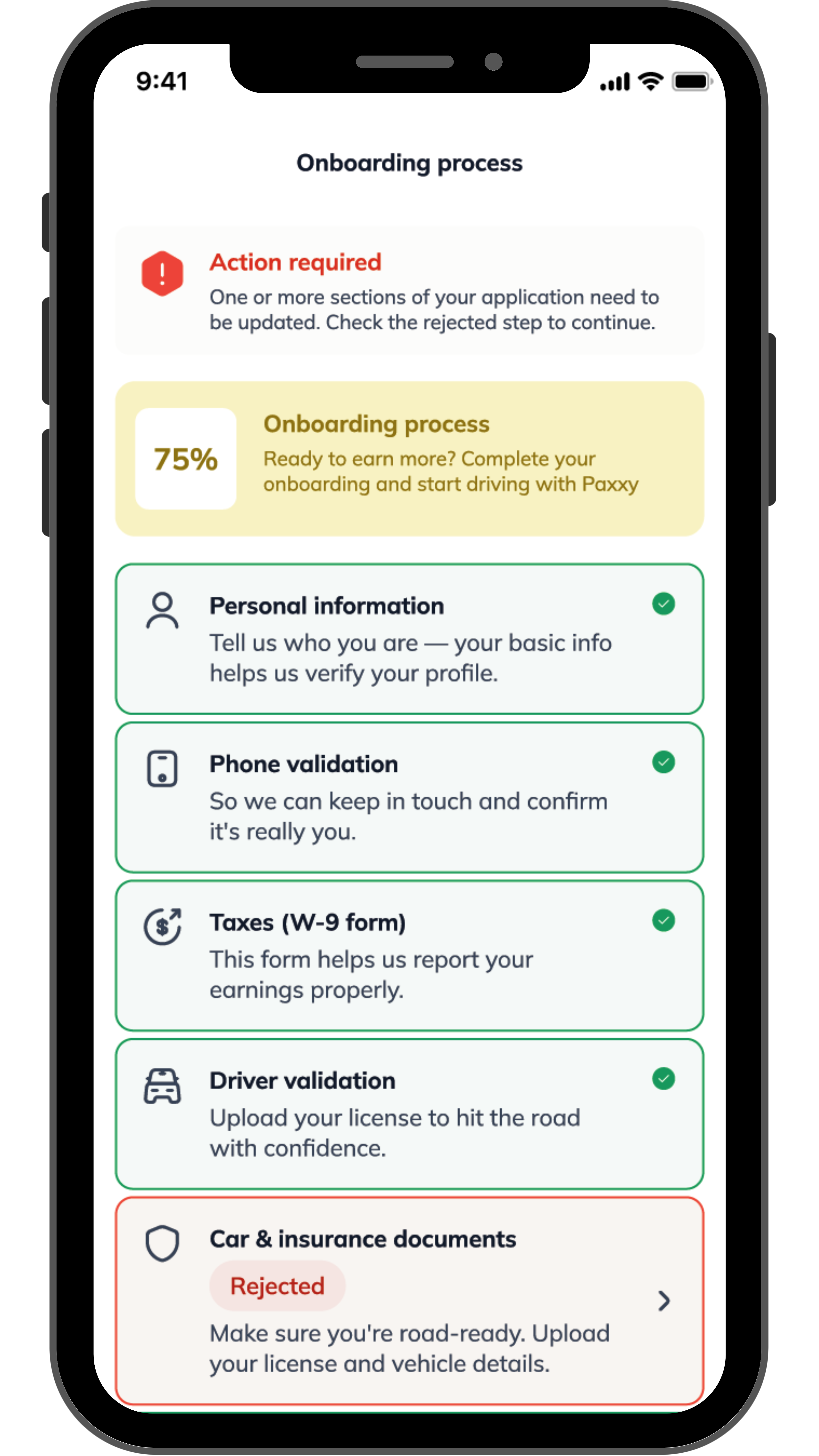
1. Open the Paxxy Driver app
- Open the app and go to My Profile and then select “Car & Insurance document”.
- There, you’ll see which documents need to be corrected or updated; they’ll appear rejected or with a warning icon.
2. Upload your updated documents
- Take clear, well-lit photos of the documents you need to update.
- Make sure all information is visible, complete, and valid before submitting.
3. Wait for verification
- Our team will review your updated documents to confirm that everything meets NYC requirements.
- This review may take a few hours or up to a couple of days, depending on the number of requests.
4. Keep driving without interruptions
- Once your documents are approved, your account will be active again and you’ll be able to continue earning with Paxxy without any issues.
