

How do I delete my Paxxy driver account?

September 11, 2026
If you ever decide to stop driving with Paxxy, we want the process to be clear and easy for you. You can start deleting your account directly from the app.
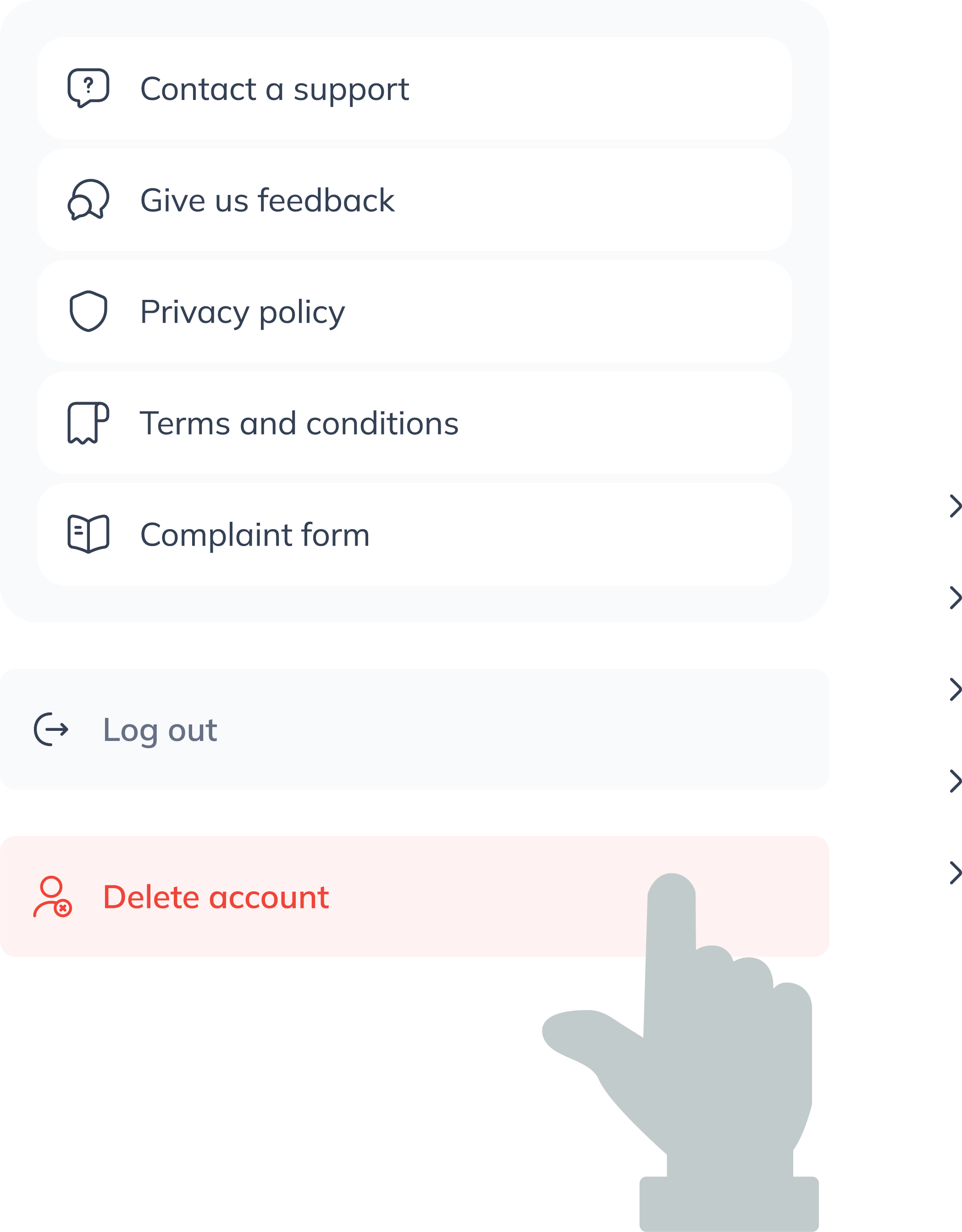
1. Go to the account deletion option
- Open the app and go to your driver profile.
- Scroll down to the bottom of the menu and select “Delete account.”
2. Confirm your decision
When you tap this option, the app will show an important message:
- It will ask if you really want to continue.
- You will also be informed that your information will be permanently deleted after 5 days.
- When the confirmation message appears, you can choose what to do. If you change your mind, simply tap “Cancel.” If you want to continue with the deletion, select “Delete anyway.”
3. Request sent
Once you confirm:
- You will see the notification “Request sent.”
During the next 5 days, if you decide to come back, simply log in again to stop the deletion.
If you don’t log in during this time, your account will be deleted automatically and permanently.